> ## Documentation Index
> Fetch the complete documentation index at: https://vastai-80aa3a82-rate-limit-change.mintlify.site/llms.txt
> Use this file to discover all available pages before exploring further.
# Earning
## Overview
This page in the console allows customers to deal with their earnings from referrals. You can find more information about Vast's referral program [here](/documentation/reference/referral-program).
# Pages Walkthrough
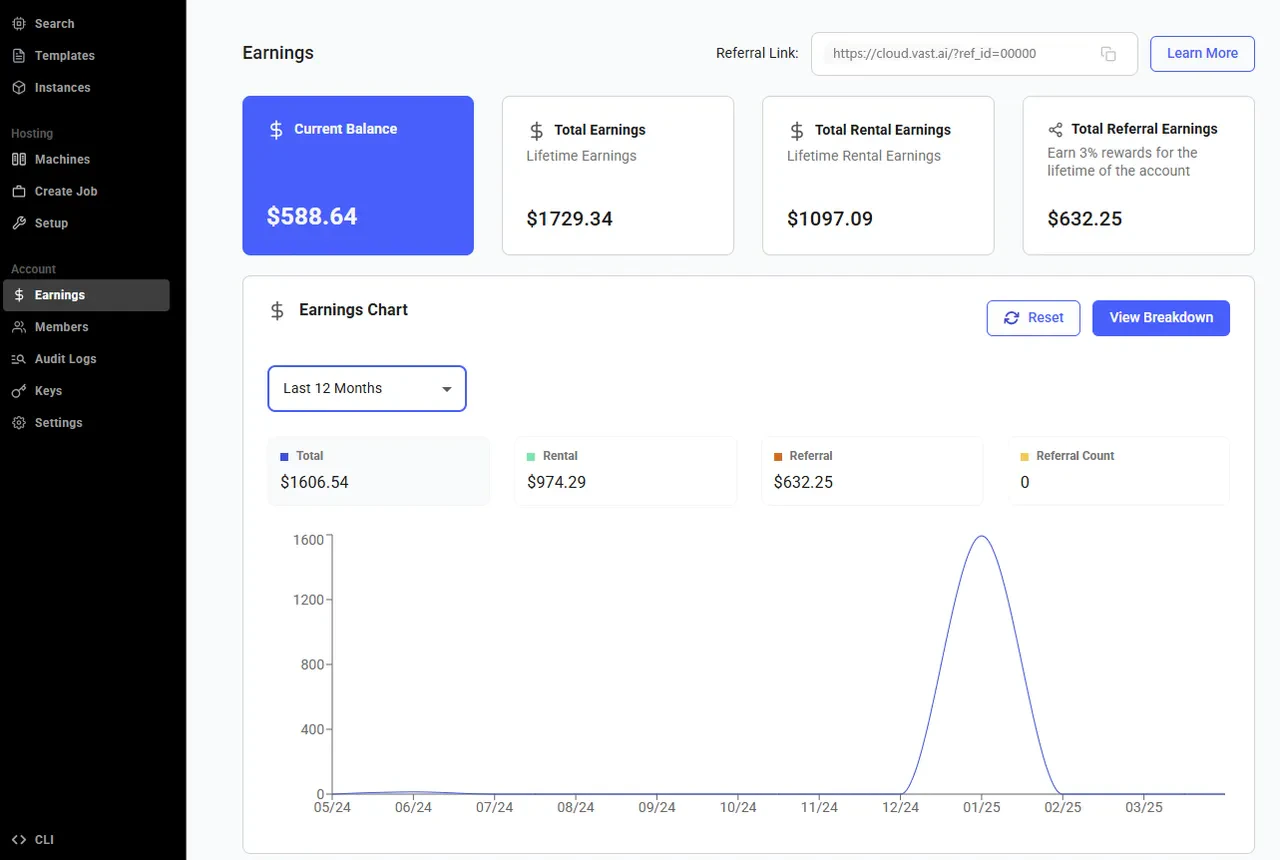 The **Earnings **page gives you a transparent view of your referral program performance and accumulated rewards. Here’s what each section means:
* **Current Balance:** This is the amount you’ve earned so far from your referred users but **haven’t been paid out yet. **It keeps growing as your referrals continue to use the platform.
* **Total Earnings**: This shows your **lifetime earnings **the total amount you’ve earned from all your referrals since you joined the earnings program or started hosting. It includes both paid and unpaid amounts.
* **Total Referral Count**: This number represents the **total users you’ve referred **who have successfully created accounts through your referral link. It’s a great way to track how your outreach is growing!
* **Total Rental Earnings **(host only)**: **This shows the total lifetime amount you’ve earned from your machine being rented out on the platform.
* **Total Referral Earnings** (host only): This shows the total lifetime amout you've earned from all your referrals.
Additionally, there is the **Earning Chart** section that provides a clear visual overview of your earning history.
The **Earnings **page gives you a transparent view of your referral program performance and accumulated rewards. Here’s what each section means:
* **Current Balance:** This is the amount you’ve earned so far from your referred users but **haven’t been paid out yet. **It keeps growing as your referrals continue to use the platform.
* **Total Earnings**: This shows your **lifetime earnings **the total amount you’ve earned from all your referrals since you joined the earnings program or started hosting. It includes both paid and unpaid amounts.
* **Total Referral Count**: This number represents the **total users you’ve referred **who have successfully created accounts through your referral link. It’s a great way to track how your outreach is growing!
* **Total Rental Earnings **(host only)**: **This shows the total lifetime amount you’ve earned from your machine being rented out on the platform.
* **Total Referral Earnings** (host only): This shows the total lifetime amout you've earned from all your referrals.
Additionally, there is the **Earning Chart** section that provides a clear visual overview of your earning history.
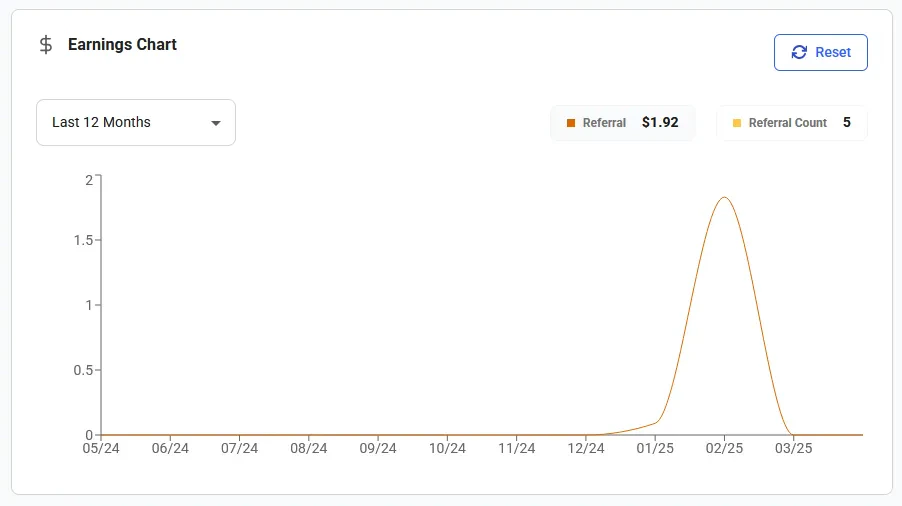 The **Template Performance** chart displays the earnings hystory from templates.
### Payouts
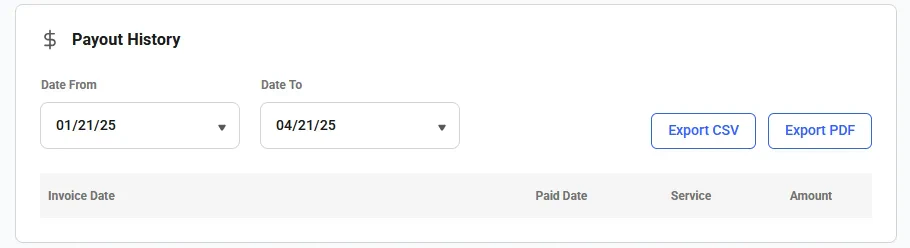
You can view your payout history for a selected date range. Here you can generate and download invoices for your earning payouts.
The **Template Performance** chart displays the earnings hystory from templates.
### Payouts
You can view your payout history for a selected date range. Here you can generate and download invoices for your earning payouts.
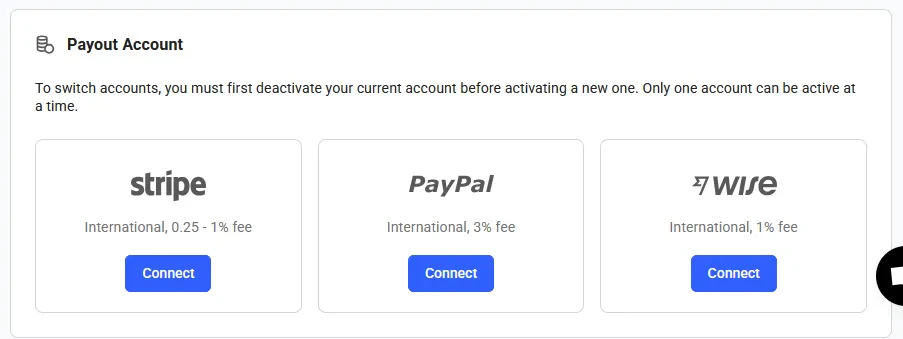
 In the **Payout Account** section, you can set up a payout account.
 ## Common Questions
### How can I have earnings as a Vast user?
You can generate earnings by gaining Vast credit through template creaton via our referral program. You can find more information about Vast's referral program [here](/documentation/reference/referral-program).
## Common Questions
### How can I have earnings as a Vast user?
You can generate earnings by gaining Vast credit through template creaton via our referral program. You can find more information about Vast's referral program [here](/documentation/reference/referral-program).